Connect Google Workspace and check sharing and apps
A task guide: the pages to use, in order.
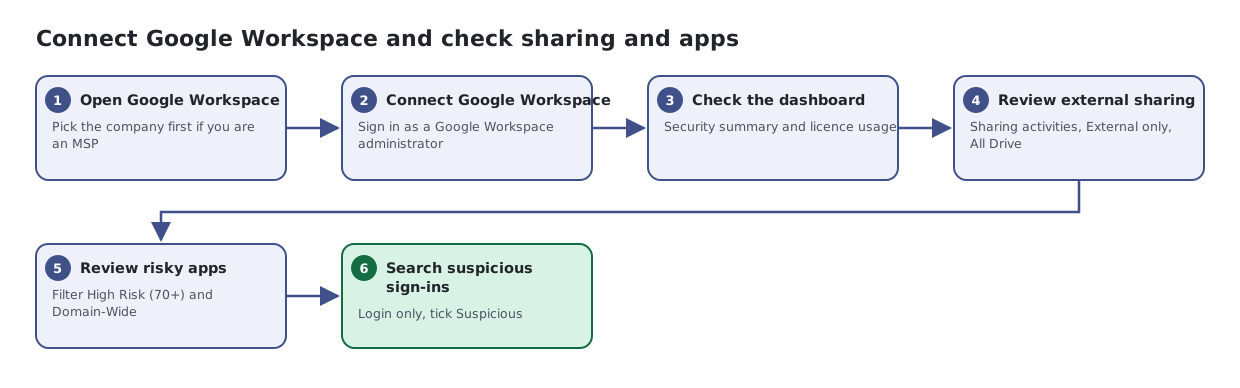
Steps
- Open Google Workspace. Pick the company first if you are an MSP
- Connect Google Workspace. Sign in as a Google Workspace administrator
- Check the dashboard. Security summary and licence usage
- Review external sharing. Sharing activities, External only, All Drive
- Review risky apps. Filter High Risk (70+) and Domain-Wide
- Search suspicious sign-ins. Login only, tick Suspicious