Connect Sophos Central and review your first results
A task guide: the pages to use, in order.
Steps
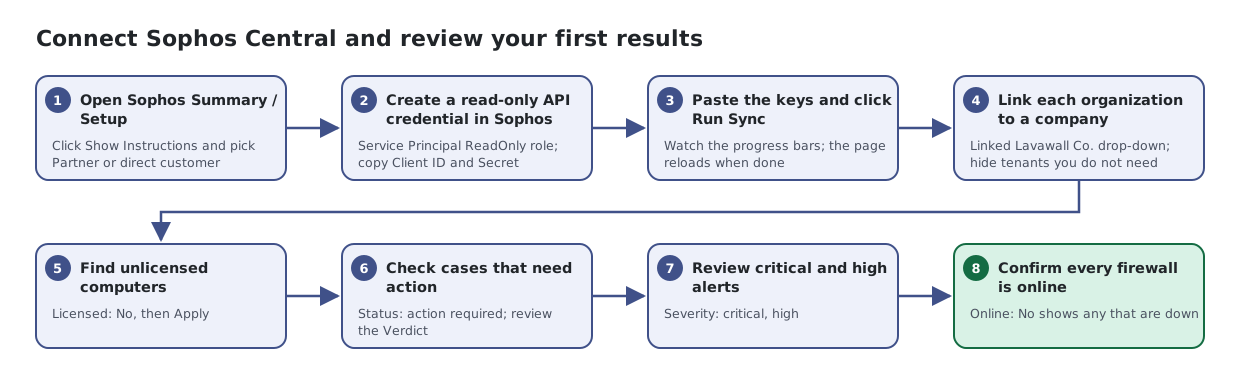
- Open Sophos Summary / Setup. Click Show Instructions and pick Partner or direct customer
- Create a read-only API credential in Sophos Central. Service Principal ReadOnly role; copy Client ID and Secret
- Paste the keys and click Run Sync. Watch the progress bars; the page reloads when done
- Link each organization to a company. Linked Lavawall Co. drop-down; hide tenants you do not need
- Find unlicensed computers. Licensed: No, then Apply
- Check cases that need action. Status: action required; review the Verdict
- Review critical and high alerts. Severity: critical, high
- Confirm every firewall is online. Online: No shows any that are down