Remove local admin rights safely with Application Elevation
A task guide: the pages to use, in order.
Steps
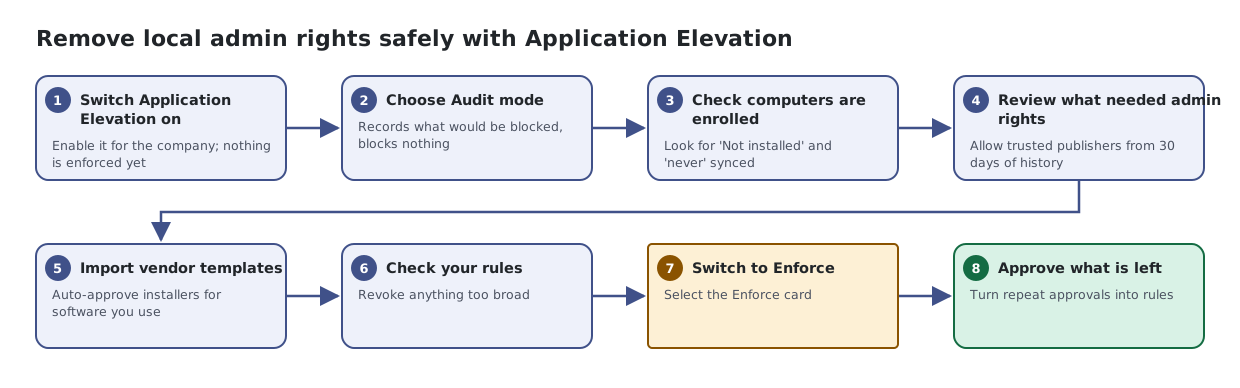
- Switch Application Elevation on. Enable it for the company; nothing is enforced yet
- Choose Audit mode. Records what would be blocked, blocks nothing
- Check computers are enrolled. Look for 'Not installed' and 'never' synced
- Review what needed admin rights. Allow trusted publishers from 30 days of history
- Import vendor templates. Auto-approve installers for software you use
- Check your rules. Revoke anything too broad
- Switch to Enforce. Select the Enforce card
- Approve what is left. Turn repeat approvals into rules