๐Ÿ“‹ GRC compliance for CMMC 2.0, CPCSC, CPA Canada, IIROCโ€ฆSaaS discovery for data governanceFree enriched web chat widget๐Ÿš€ Enriched remote support without your laptop

Set up your help desk

A task guide: the pages to use, in order.
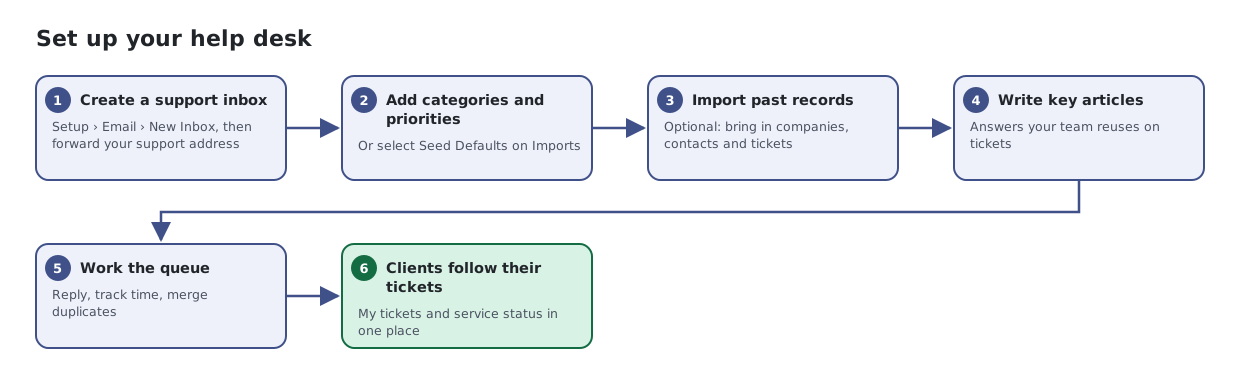
Six steps: create a support inbox in Tickets setup, import history from HubSpot, add knowledge base articles, work and reply to tickets, and let clients follow their tickets on Service Status.
The same steps are listed below, with links to each page's article.

Steps

  1. Create a support inbox. Setup โ€บ Email โ€บ New Inbox, then forward your support address
  2. Add categories and priorities. Or select Seed Defaults on Imports
  3. Import past records. Optional: bring in companies, contacts and tickets
  4. Write key articles. Answers your team reuses on tickets
  5. Work the queue. Reply, track time, merge duplicates
  6. Clients follow their tickets. My tickets and service status in one place

Articles for the pages in this guide

← All task guides