๐Ÿ“‹ GRC compliance for CMMC 2.0, CPCSC, CPA Canada, IIROCโ€ฆSaaS discovery for data governanceFree enriched web chat widget๐Ÿš€ Enriched remote support without your laptop

Run a Microsoft 365 access review

A task guide: the pages to use, in order.
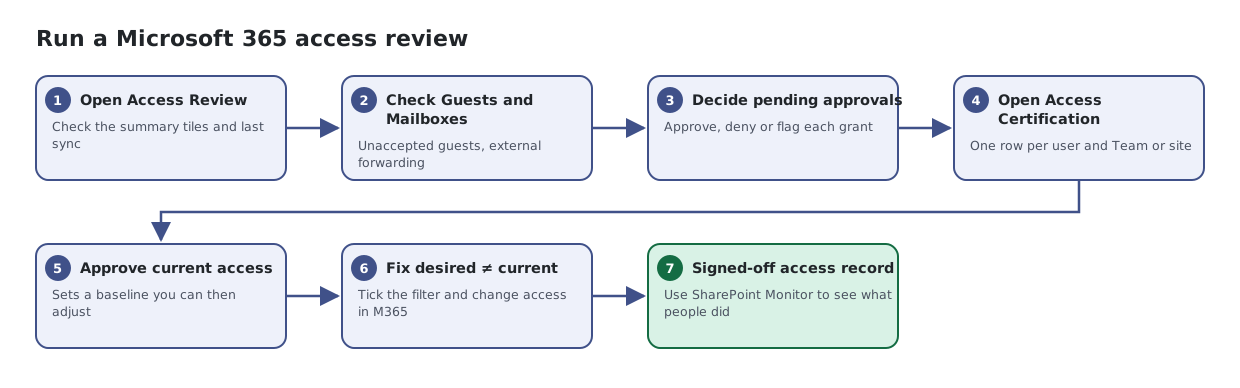
Seven steps: open Access Review, check guests and mailboxes, decide pending approvals, open Access Certification, approve current access as a baseline, fix rows where desired differs from current, and confirm with SharePoint Monitor.
The same steps are listed below, with links to each page's article.

Steps

  1. Open Access Review. Check the summary tiles and last sync
  2. Check Guests and Mailboxes. Unaccepted guests, external forwarding
  3. Decide pending approvals. Approve, deny or flag each grant
  4. Open Access Certification. One row per user and Team or site
  5. Approve current access. Sets a baseline you can then adjust
  6. Fix desired โ‰  current. Tick the filter and change access in M365
  7. Signed-off access record. Use SharePoint Monitor to see what people did

Articles for the pages in this guide

← All task guides