Deploy the Phishing Reporter and clean up a reported phish
A task guide: the pages to use, in order.
Steps
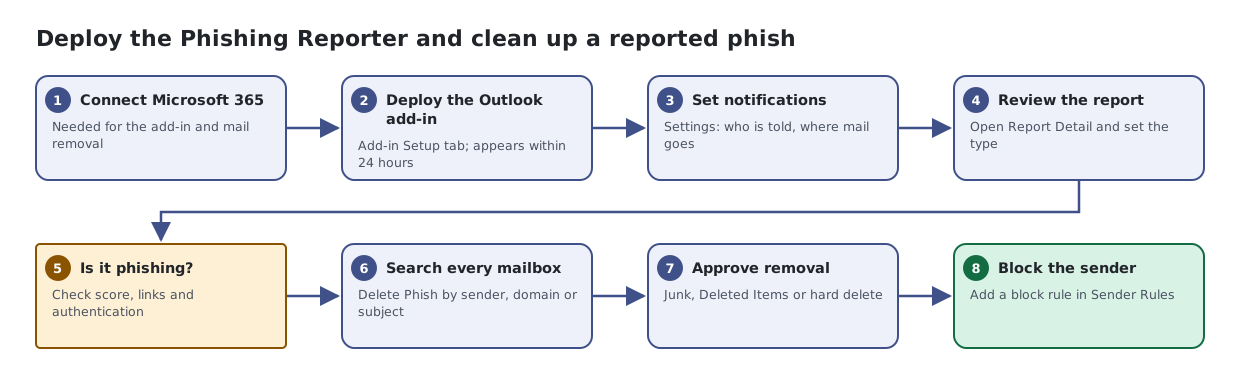
- Connect Microsoft 365. Needed for the add-in and mail removal
- Deploy the Outlook add-in. Add-in Setup tab; appears within 24 hours
- Set notifications. Settings: who is told, where mail goes
- Review the report. Open Report Detail and set the type
- Is it phishing?. Check score, links and authentication
- Search every mailbox. Delete Phish by sender, domain or subject
- Approve removal. Junk, Deleted Items or hard delete
- Block the sender. Add a block rule in Sender Rules