📋 GRC compliance for CMMC 2.0, CPCSC, CPA Canada, IIROC…SaaS discovery for data governanceFree enriched web chat widget🚀 Enriched remote support without your laptop

Answer a customer's security questionnaire and publish your Trust Centre

A task guide: the pages to use, in order.
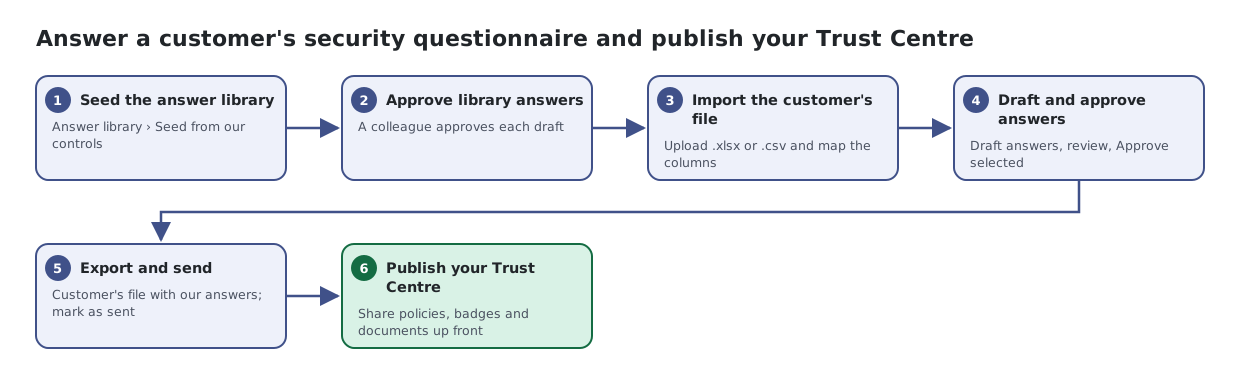
Six steps: seed the answer library from controls, approve answers, import the customer's spreadsheet, draft and approve answers, export the completed file, and publish a Trust Centre to cut down future questionnaires.
The same steps are listed below, with links to each page's article.

Steps

  1. Seed the answer library. Answer library › Seed from our controls
  2. Approve library answers. A colleague approves each draft
  3. Import the customer's file. Upload .xlsx or .csv and map the columns
  4. Draft and approve answers. Draft answers, review, Approve selected
  5. Export and send. Customer's file with our answers; mark as sent
  6. Publish your Trust Centre. Share policies, badges and documents up front

Articles for the pages in this guide

← All task guides