๐Ÿ“‹ GRC compliance for CMMC 2.0, CPCSC, CPA Canada, IIROCโ€ฆSaaS discovery for data governanceFree enriched web chat widget๐Ÿš€ Enriched remote support without your laptop

Add your first computer and check its health

A task guide: the pages to use, in order.
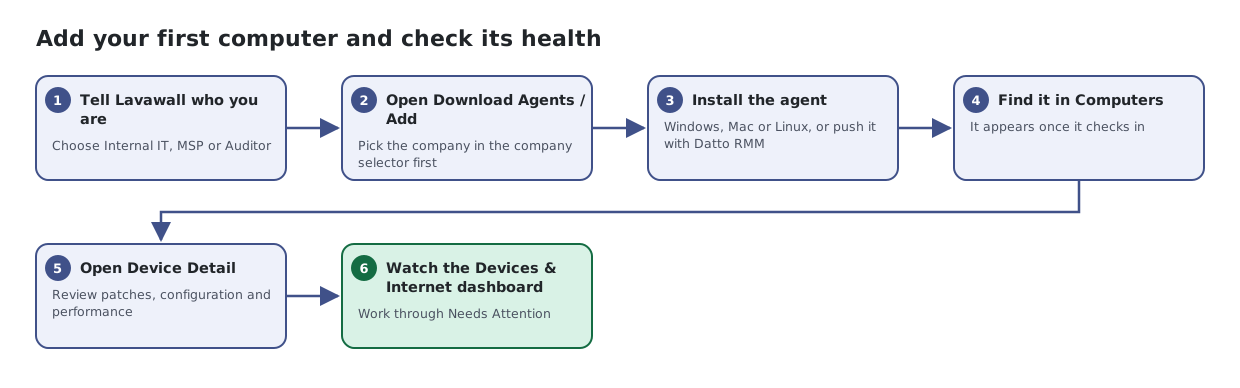
Six steps: set up your organization in Get Started, pick the company and download the agent, install it, find the computer in Computers, open Device Detail, then review the Devices & Internet dashboard.
The same steps are listed below, with links to each page's article.

Steps

  1. Tell Lavawall who you are. Choose Internal IT, MSP or Auditor
  2. Open Download Agents / Add. Pick the company in the company selector first
  3. Install the agent. Windows, Mac or Linux, or push it with Datto RMM
  4. Find it in Computers. It appears once it checks in
  5. Open Device Detail. Review patches, configuration and performance
  6. Watch the Devices & Internet dashboard. Work through Needs Attention

Articles for the pages in this guide

← All task guides