Launch security awareness training and a phishing test
A task guide: the pages to use, in order.
Steps
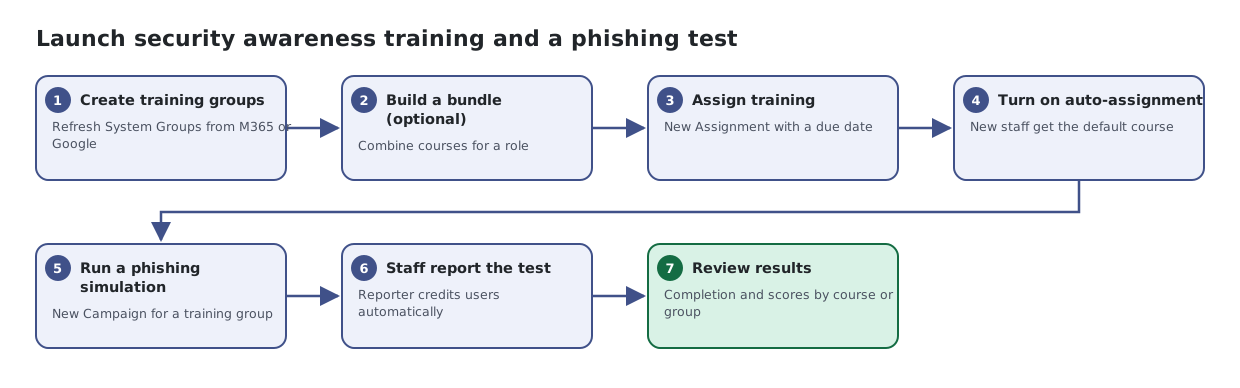
- Create training groups. Refresh System Groups from M365 or Google
- Build a bundle (optional). Combine courses for a role
- Assign training. New Assignment with a due date
- Turn on auto-assignment. New staff get the default course
- Run a phishing simulation. New Campaign for a training group
- Staff report the test. Reporter credits users automatically
- Review results. Completion and scores by course or group