Start your compliance program
A task guide: the pages to use, in order.
Steps
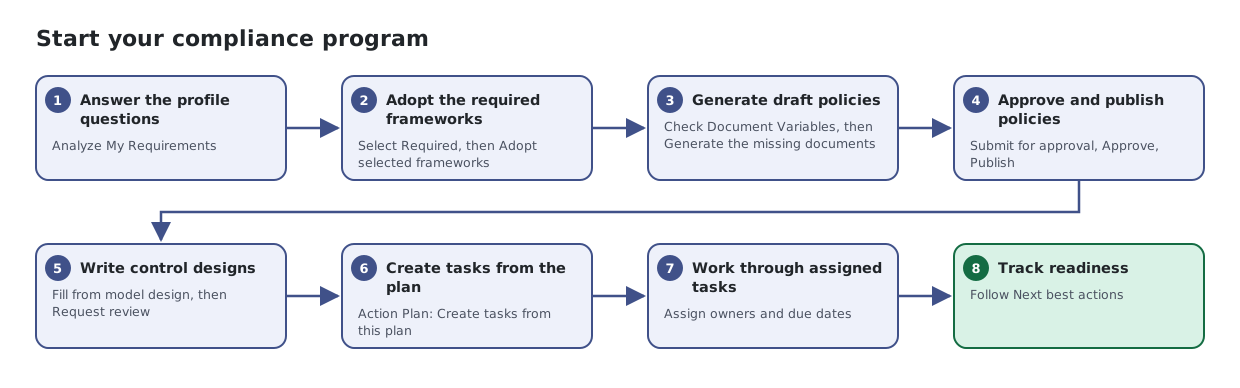
- Answer the profile questions. Analyze My Requirements
- Adopt the required frameworks. Select Required, then Adopt selected frameworks
- Generate draft policies. Check Document Variables, then Generate the missing documents
- Approve and publish policies. Submit for approval, Approve, Publish
- Write control designs. Fill from model design, then Request review
- Create tasks from the plan. Action Plan: Create tasks from this plan
- Work through assigned tasks. Assign owners and due dates
- Track readiness. Follow Next best actions