๐Ÿ“‹ GRC compliance for CMMC 2.0, CPCSC, CPA Canada, IIROCโ€ฆSaaS discovery for data governanceFree enriched web chat widget๐Ÿš€ Enriched remote support without your laptop

Onboard a new client

A task guide: the pages to use, in order.
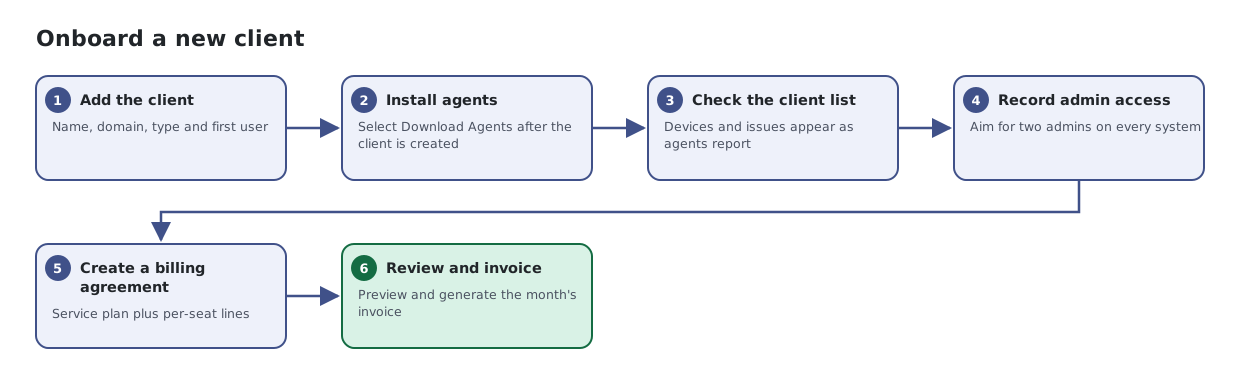
Six steps: add the client organization, install agents, check it in the client list, record system administrators, set up a billing agreement, and review the month on Billing Summary.
The same steps are listed below, with links to each page's article.

Steps

  1. Add the client. Name, domain, type and first user
  2. Install agents. Select Download Agents after the client is created
  3. Check the client list. Devices and issues appear as agents report
  4. Record admin access. Aim for two admins on every system
  5. Create a billing agreement. Service plan plus per-seat lines
  6. Review and invoice. Preview and generate the month's invoice

Articles for the pages in this guide

← All task guides