Connect Microsoft 365 and review the first findings
A task guide: the pages to use, in order.
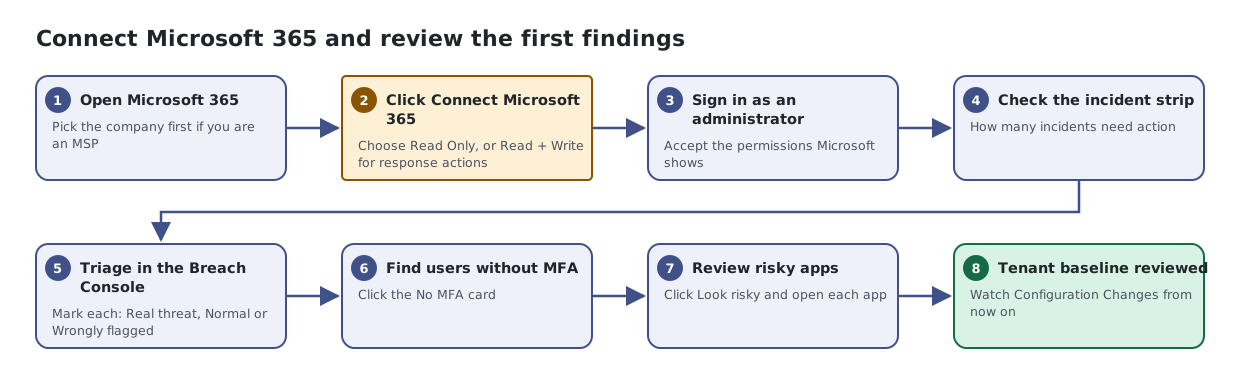
Steps
- Open Microsoft 365. Pick the company first if you are an MSP
- Click Connect Microsoft 365. Choose Read Only, or Read + Write for response actions
- Sign in as an administrator. Accept the permissions Microsoft shows
- Check the incident strip. How many incidents need action
- Triage in the Breach Console. Mark each: Real threat, Normal or Wrongly flagged
- Find users without MFA. Click the No MFA card
- Review risky apps. Click Look risky and open each app
- Tenant baseline reviewed. Watch Configuration Changes from now on