Build a cybersecurity assessment report
A task guide: the pages to use, in order.
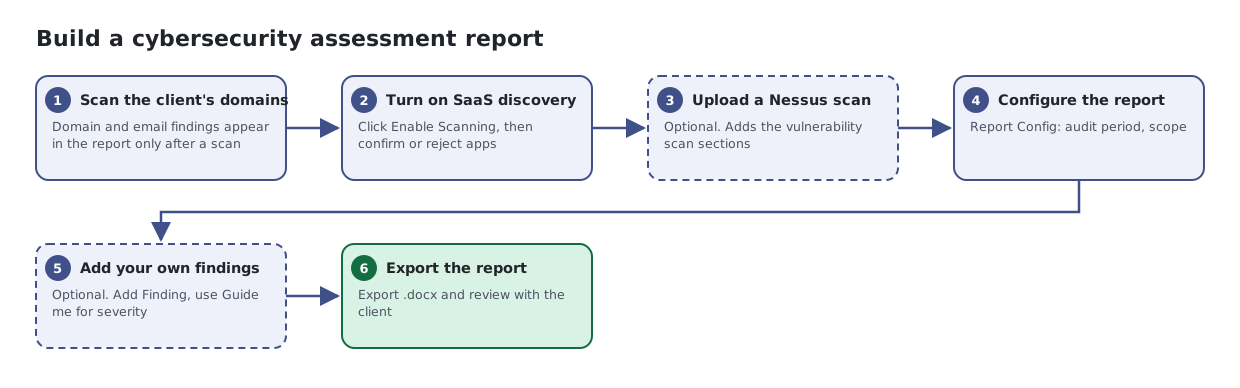
Steps
- Scan the client's domains. Domain and email findings appear in the report only after a scan
- Turn on SaaS discovery. Click Enable Scanning, then confirm or reject apps
- Upload a Nessus scan Optional. Adds the vulnerability scan sections
- Configure the report. Report Config: audit period, scope
- Add your own findings Optional. Add Finding, use Guide me for severity
- Export the report. Export .docx and review with the client
What the report includes
These are included automatically. You do not need to open their pages to build the report:
- Missing patches
- Devices due for replacement, by hardware age
- Configuration issues
- Domain scan findings, once the domains have been scanned
- Vulnerability scan results, if you upload a Nessus scan
The report also covers devices and infrastructure, identity and account issues, cloud security, suspicious IP addresses, active threats and ransomware hunting when the company has data for them. A section only appears when there is data for it.